Product Visuals
See The Memory Source in action — browse screenshots and videos of the features that make every celebration site unique.
Screenshots
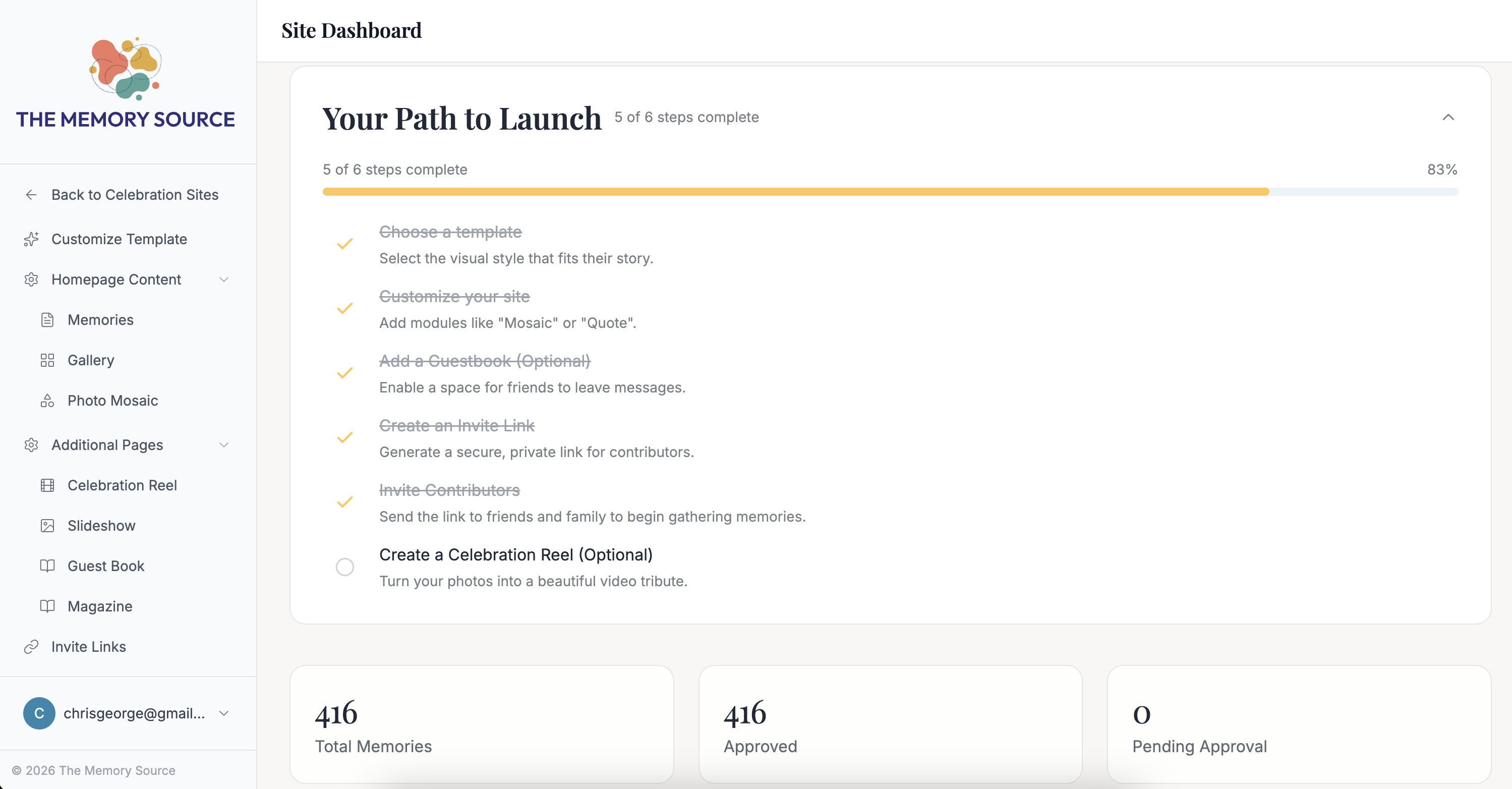
Path to Launch Checklist
The checklist is an easy-to-use guide for setting up your celebration site.
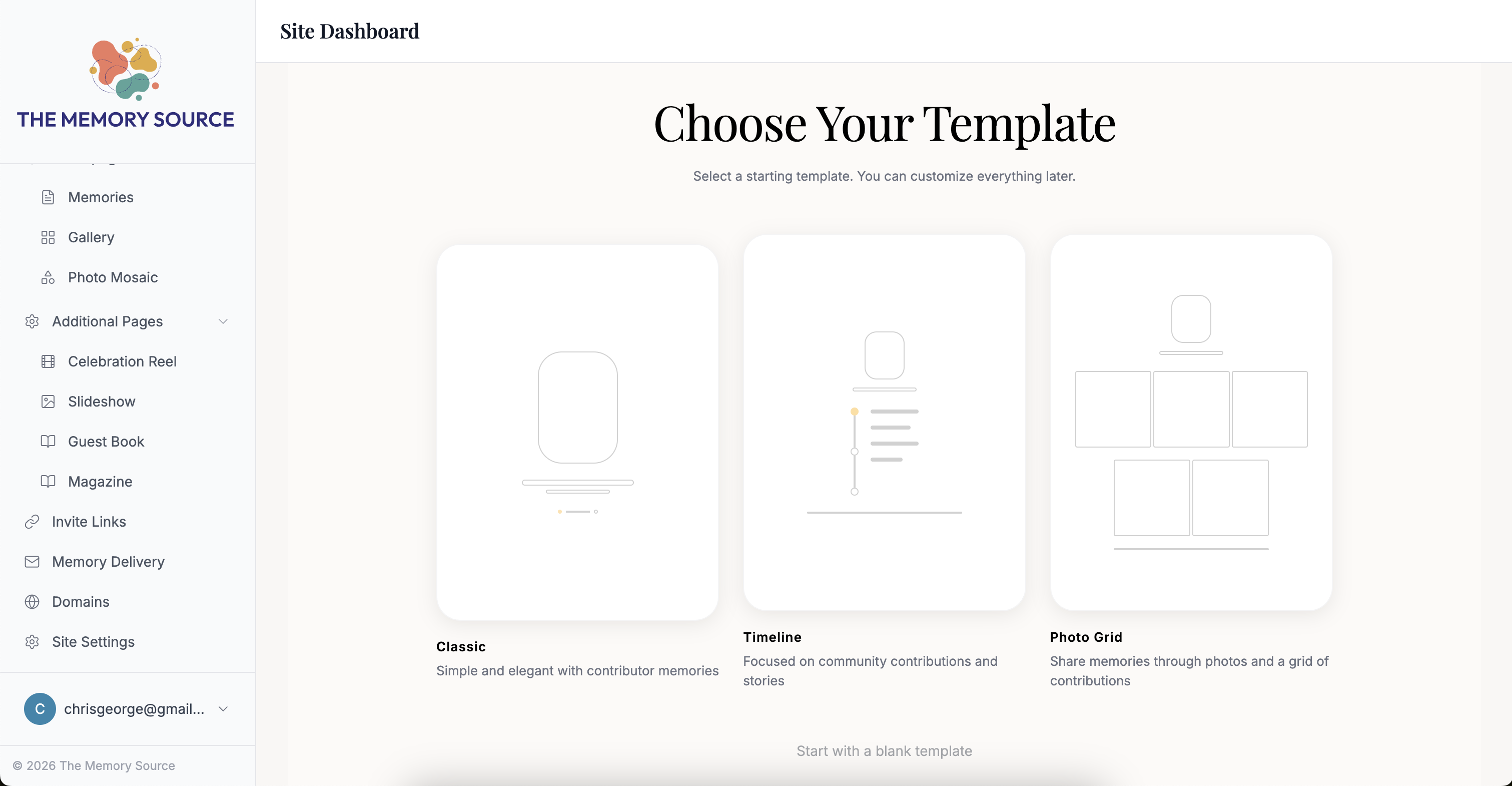
Choose Your Template
Choose a template and add components to your site.
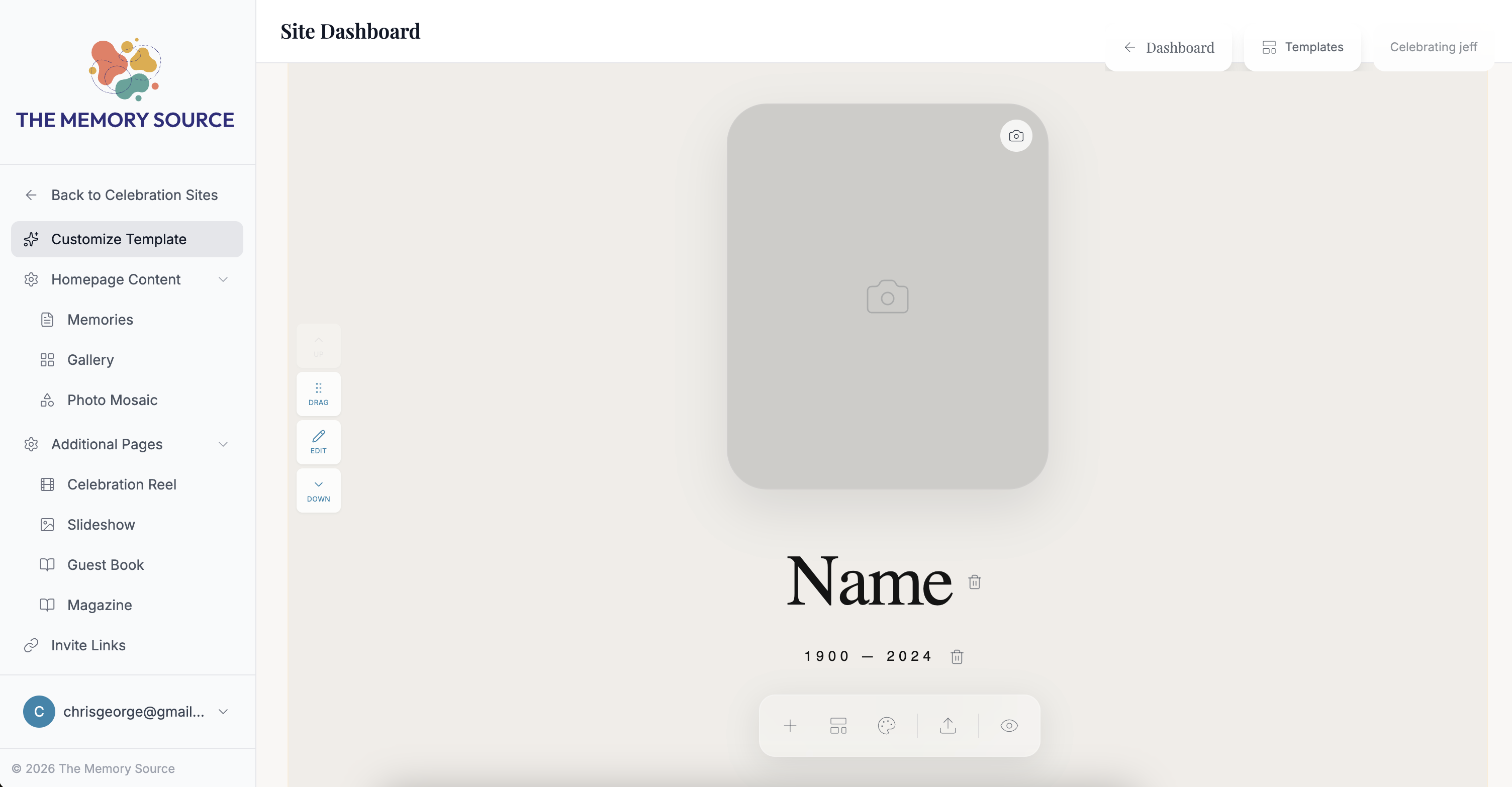
Template Editor
Modern tools make it easy to create your site design.
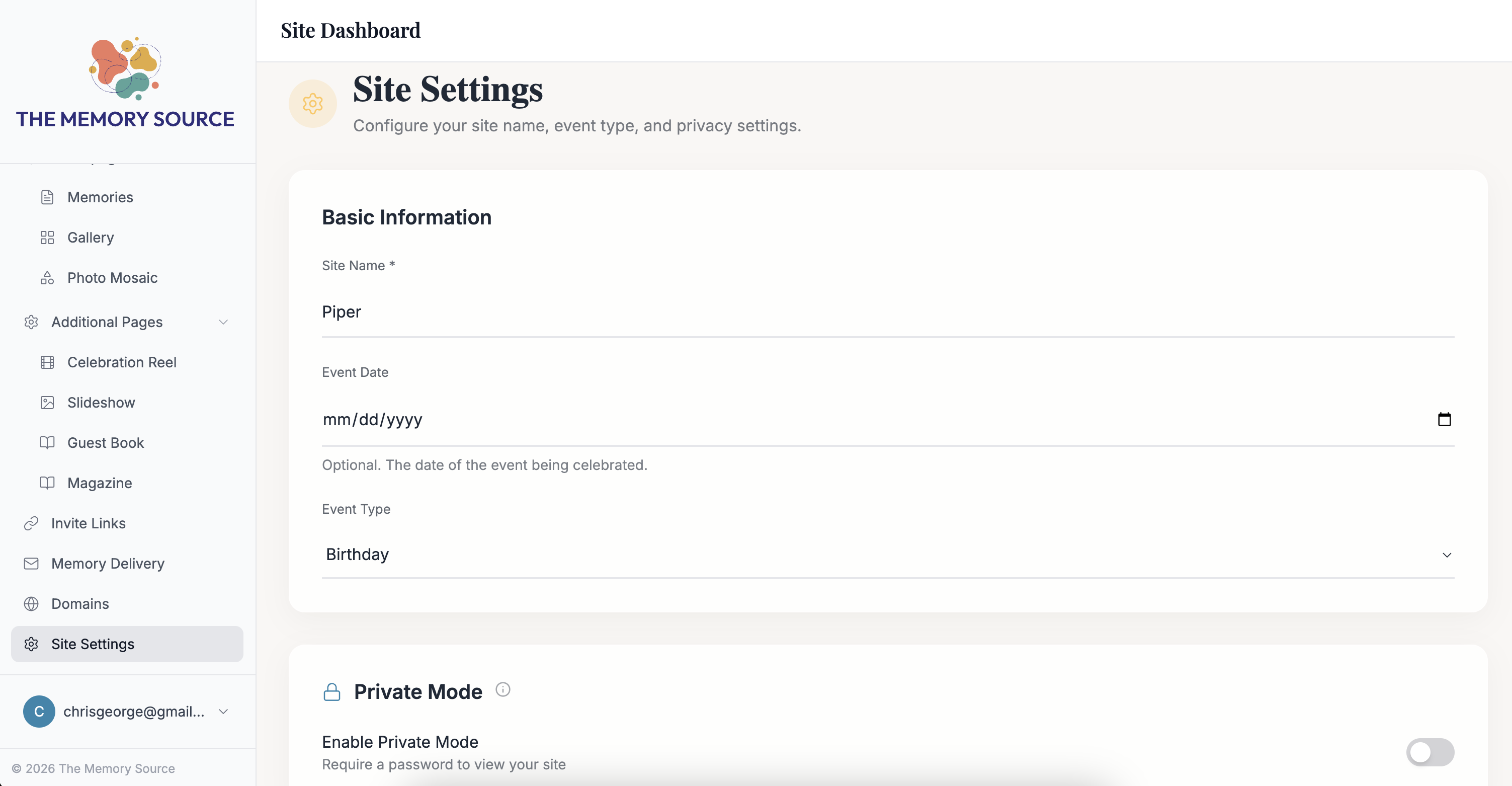
Site Settings
General info about the site and the ability to add password protection.
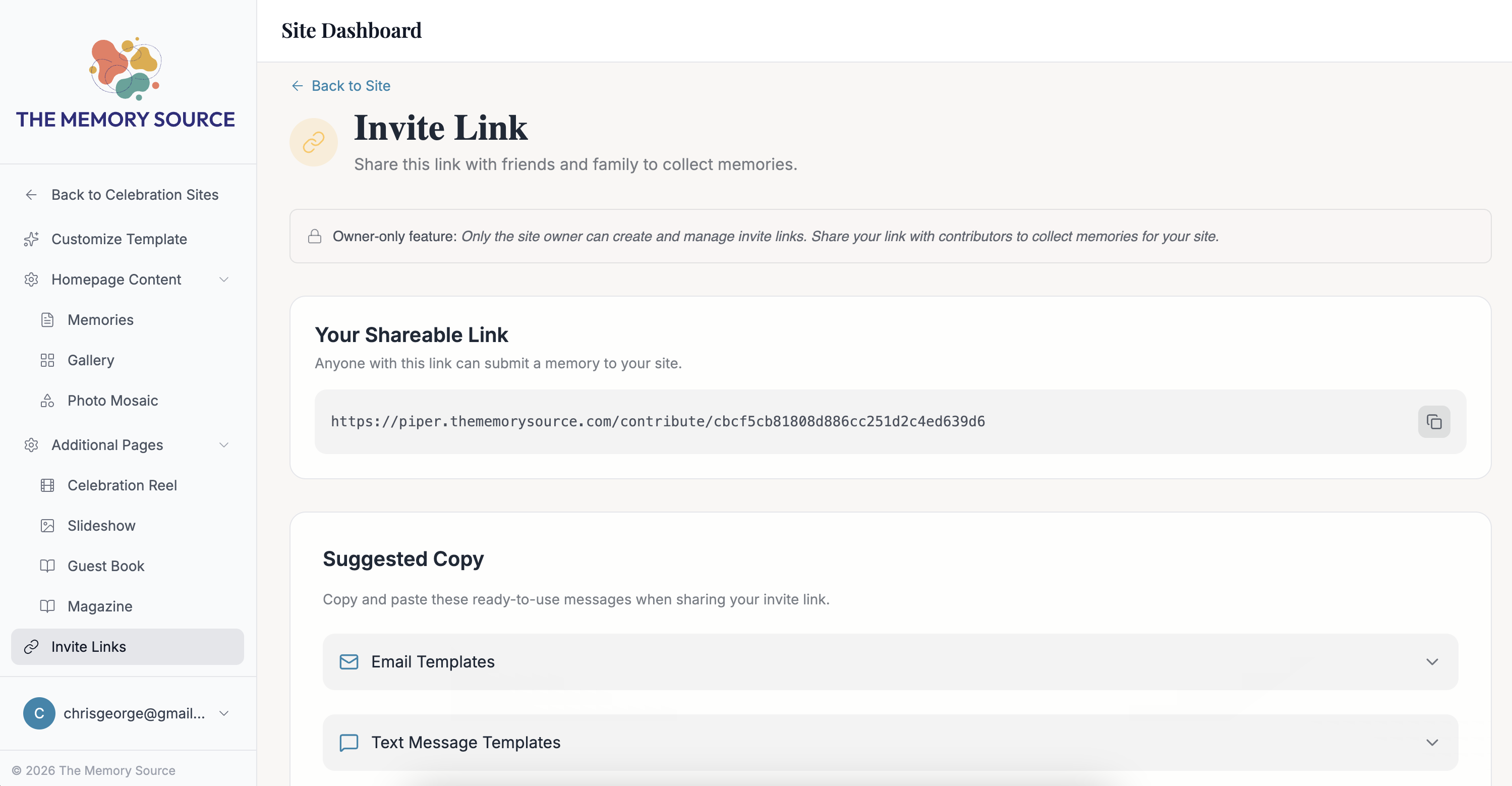
Invite Link
Share this link with friends and family. Choose from pre-written copy templates to accompany the link.
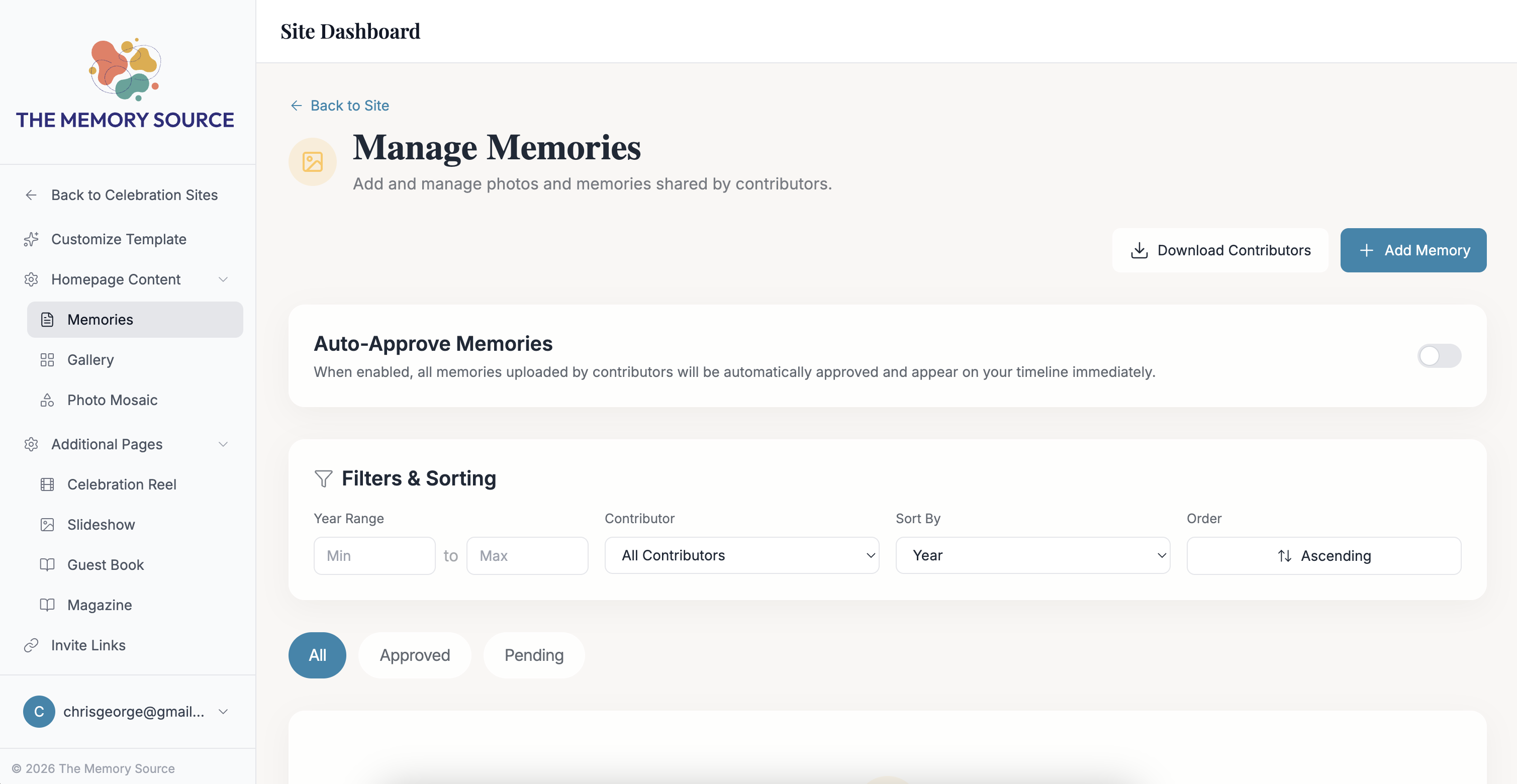
Manage Memories
Review, approve, edit, or delete memories.
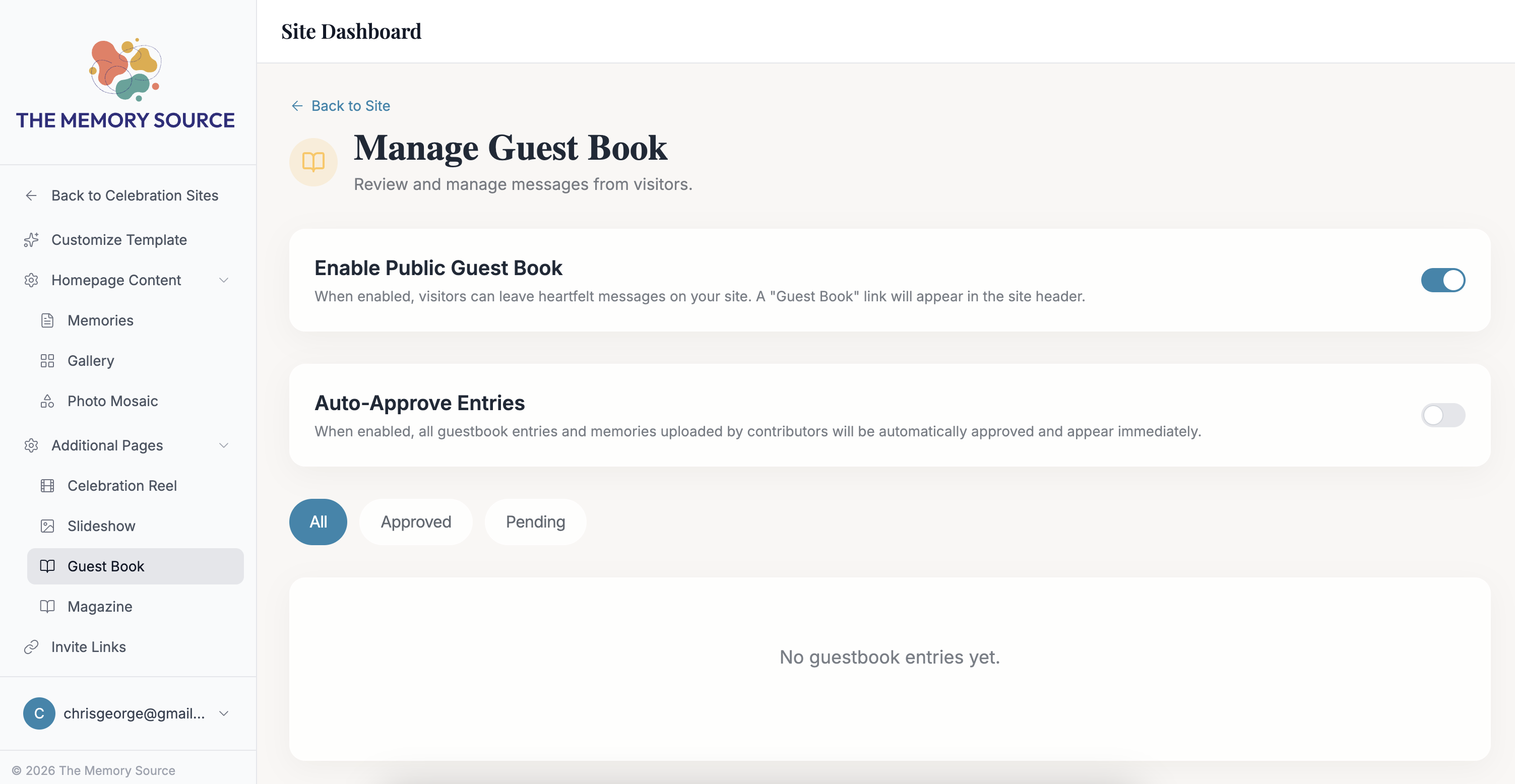
Manage Guest Book
Enable the Guest Book feature. Review, approve, edit or delete submissions.
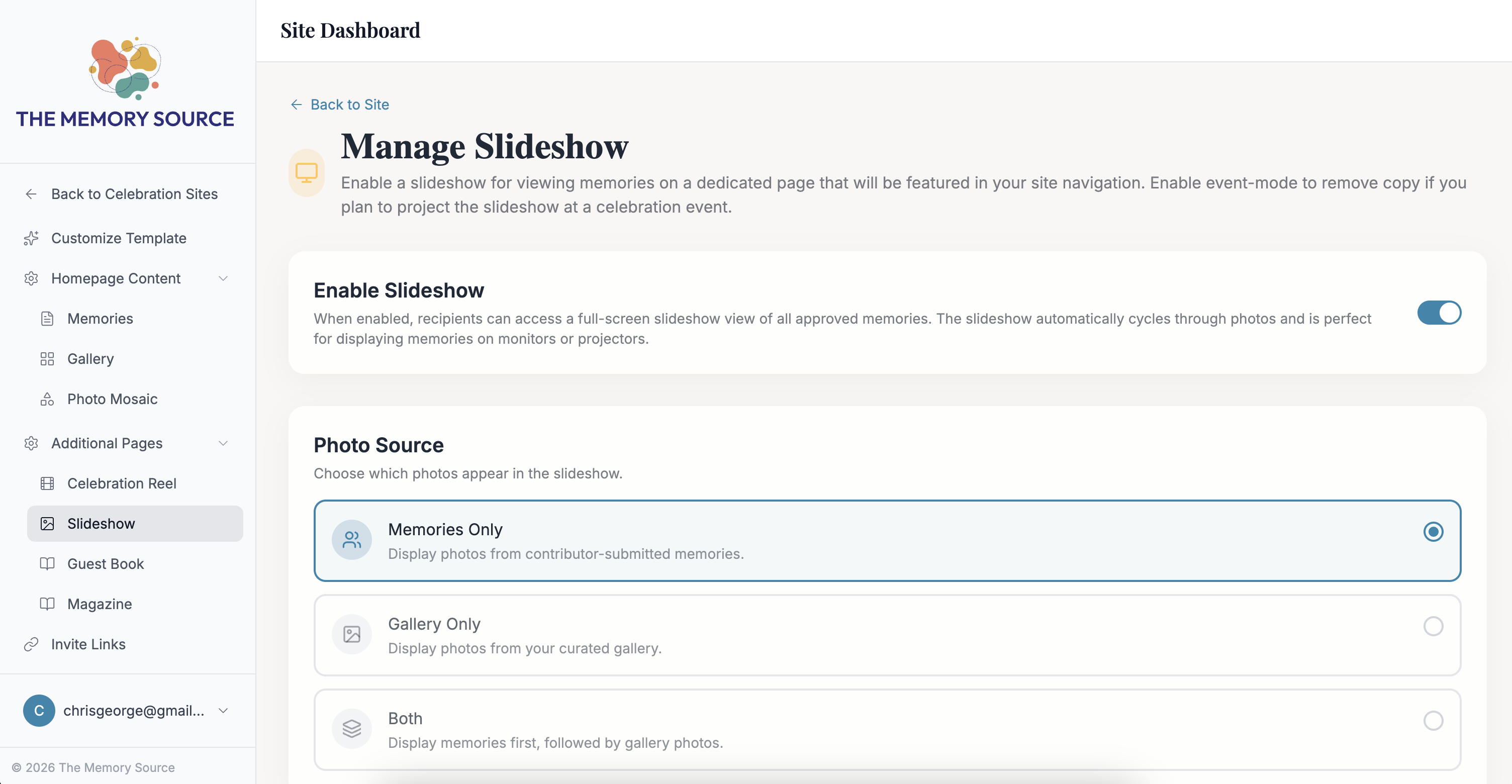
Manage Slideshow
Enable the slideshow feature. Choose the source of photos and select "Event-mode" to remove copy when projecting at an event.
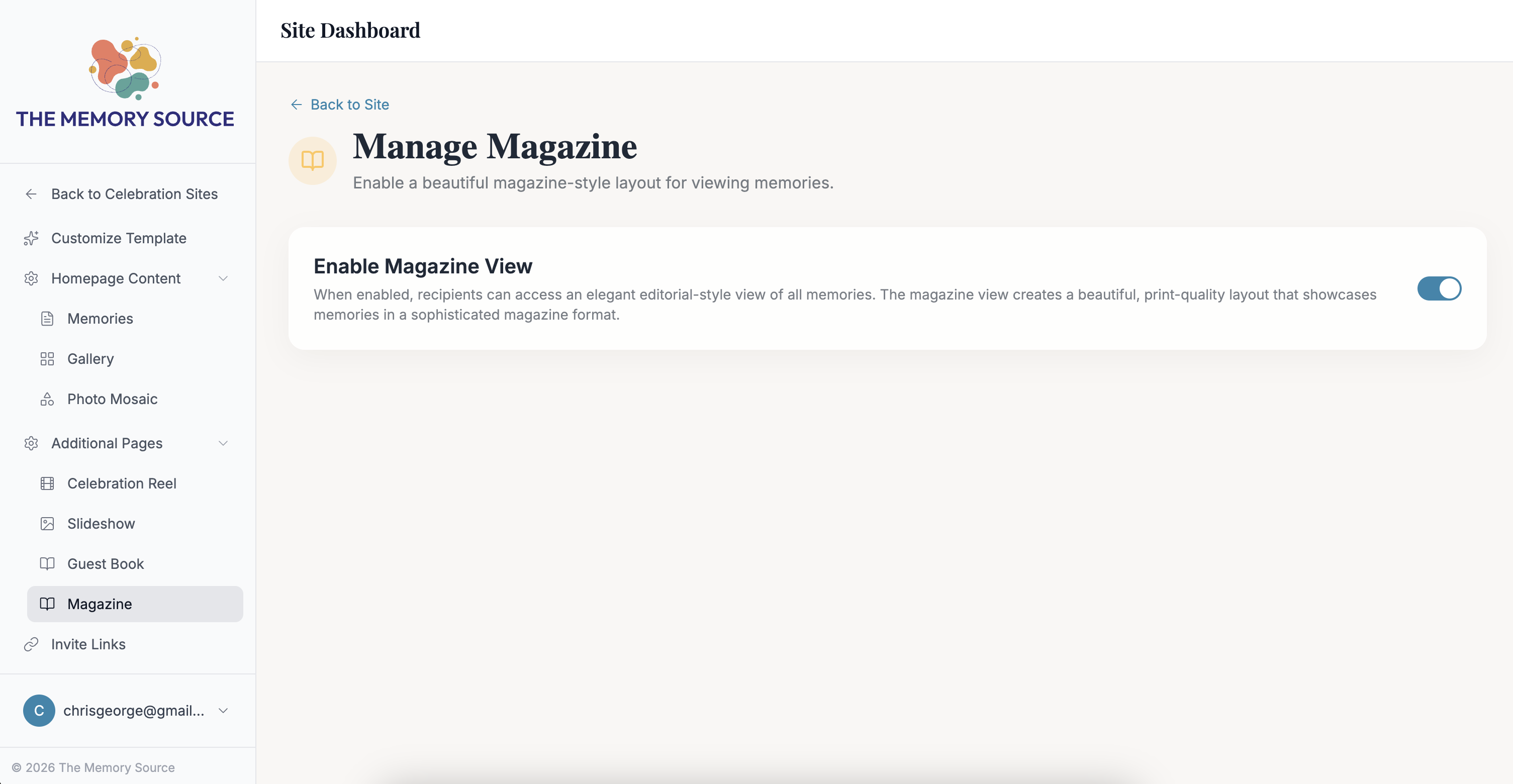
Manage Magazine
Enable the magazine feature.
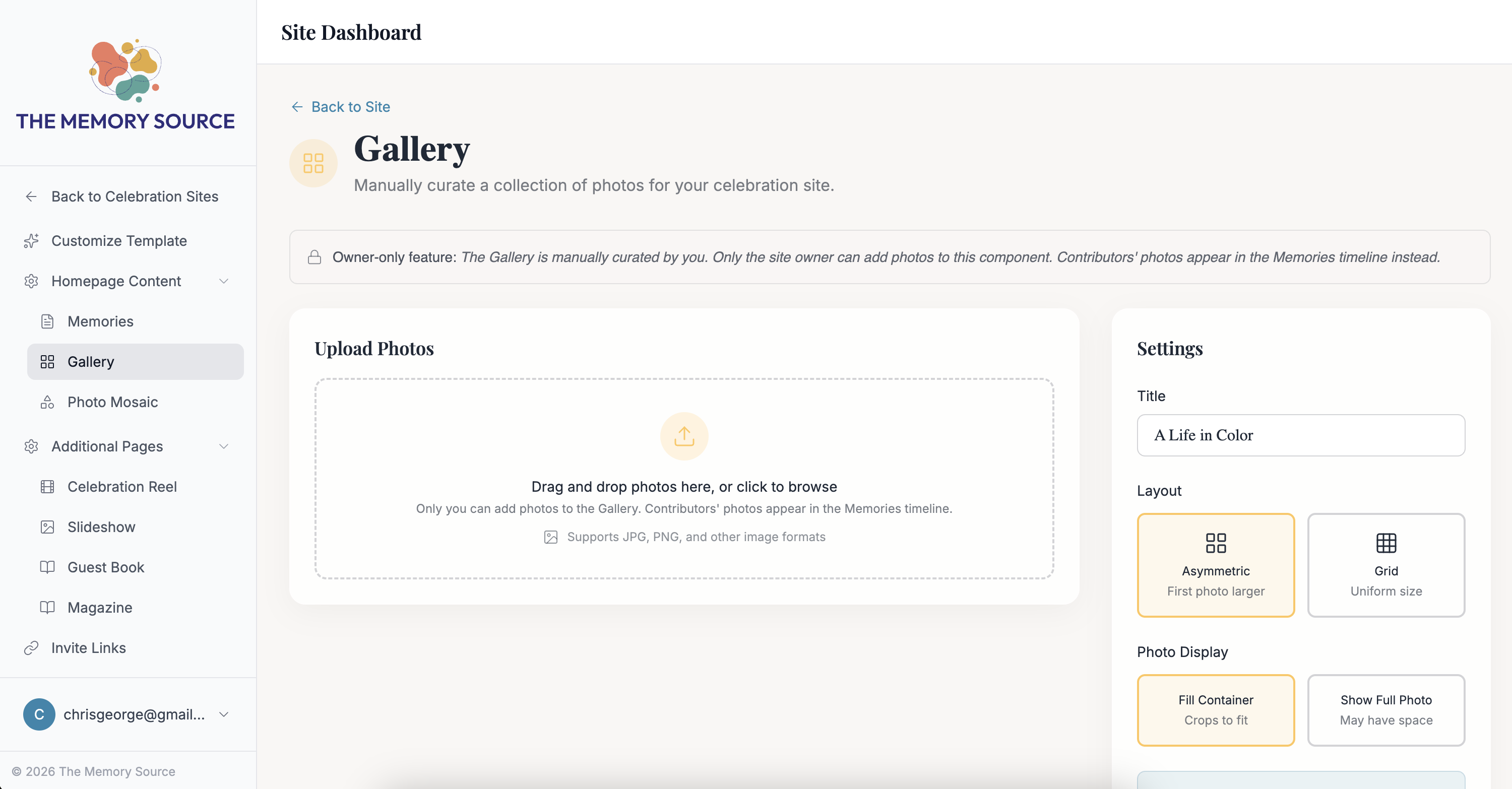
Gallery
The Gallery component allows the site editor to upload photos separate from memories contributed by friends and family.
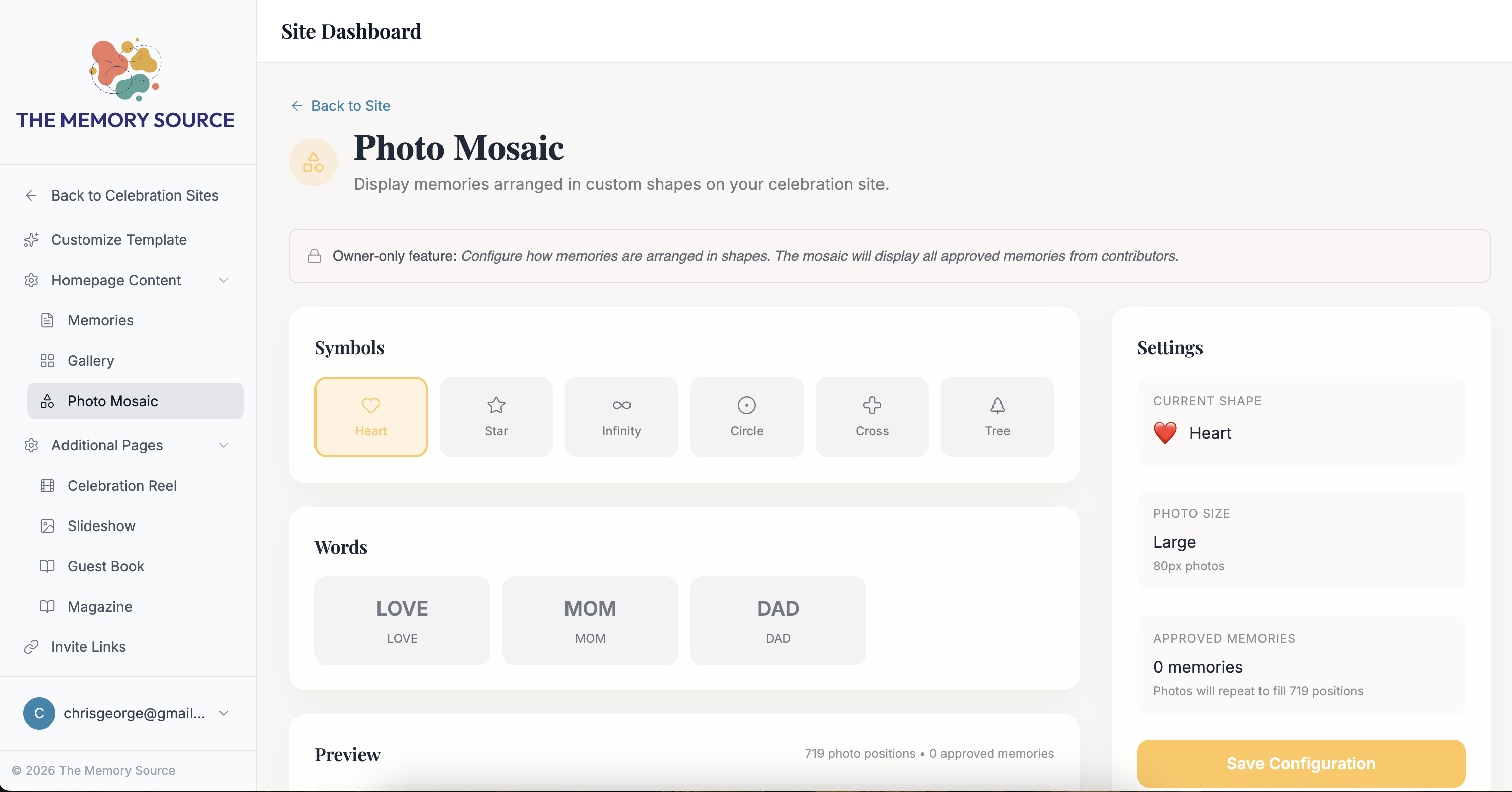
Photo Mosaic
The Photo Mosaic component displays photos from memories into a meaningful shape, symbol or word.
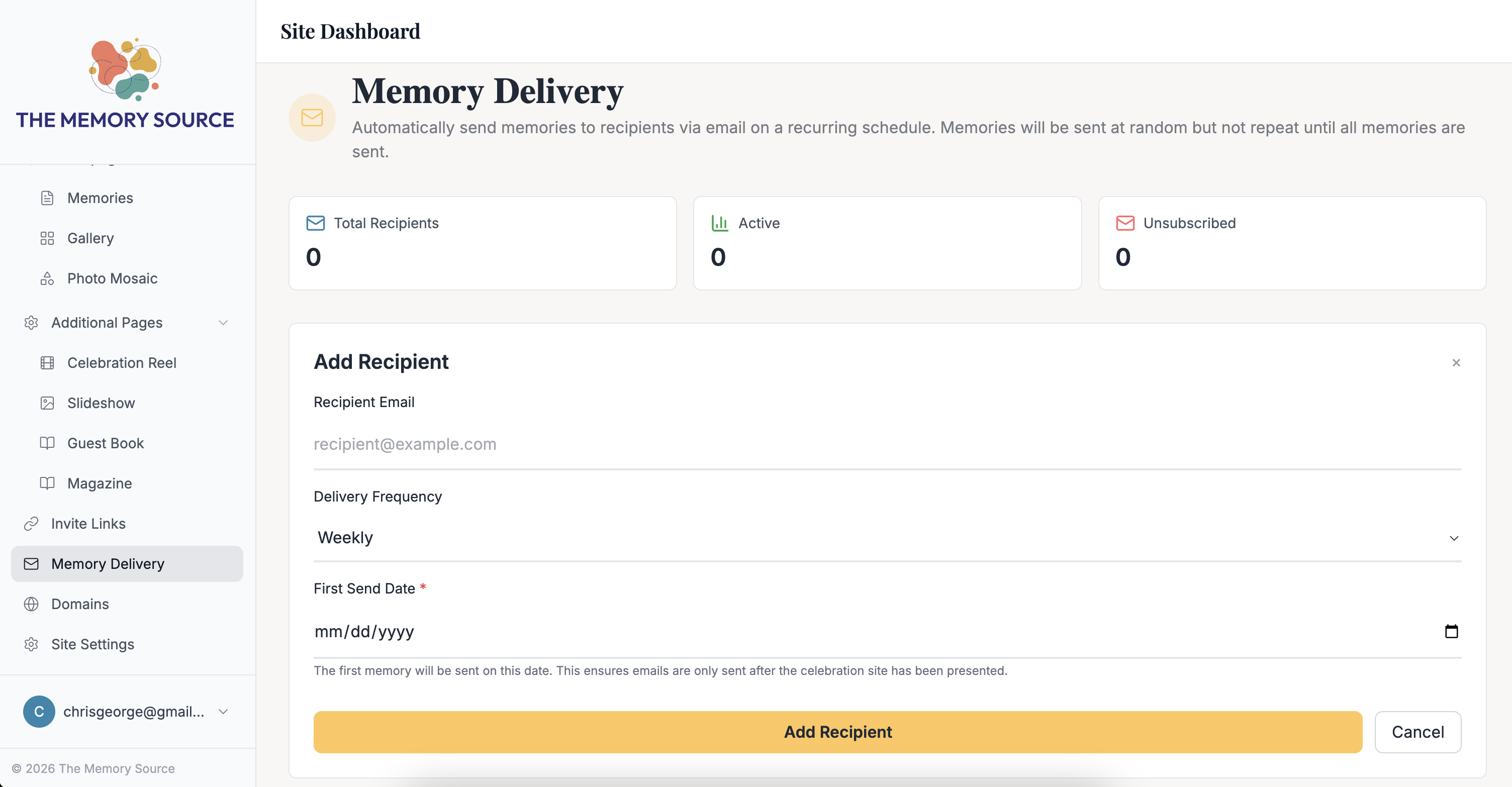
Memory Delivery
The site owner can schedule memories to be emailed to the celebrant or friends and family on a preset schedule.
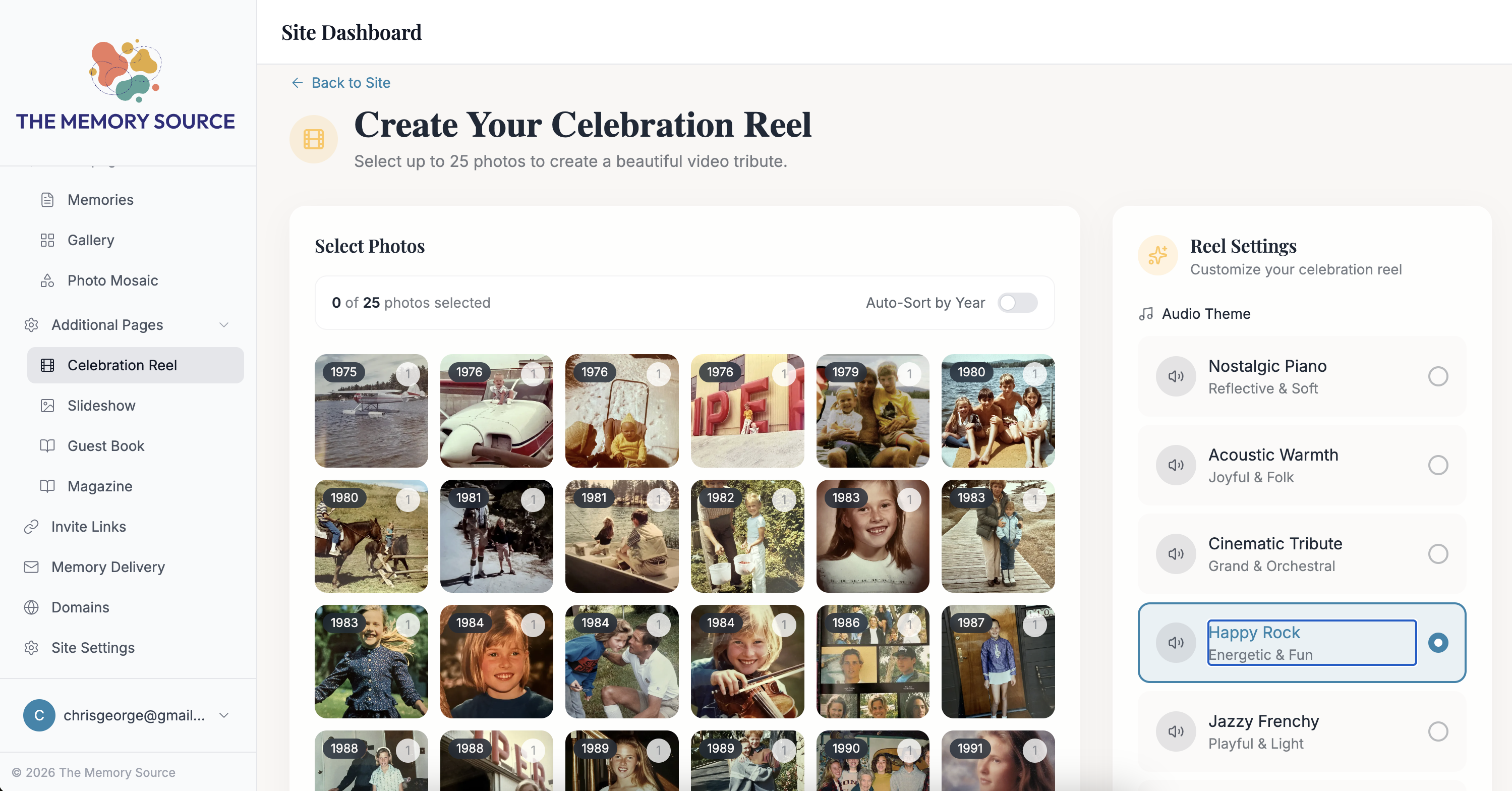
Celebration Reel
Create a Celebration Reel by curating up to 25 photos and selecting from several audio tracks.